In your dashboard · Taxes
Tax reserves
Work out what to set aside each month from your tax estimate, payments and existing reserves.
What to expect
The plan uses your tax estimate. It does not calculate an official tax assessment or transfer money.
How it works
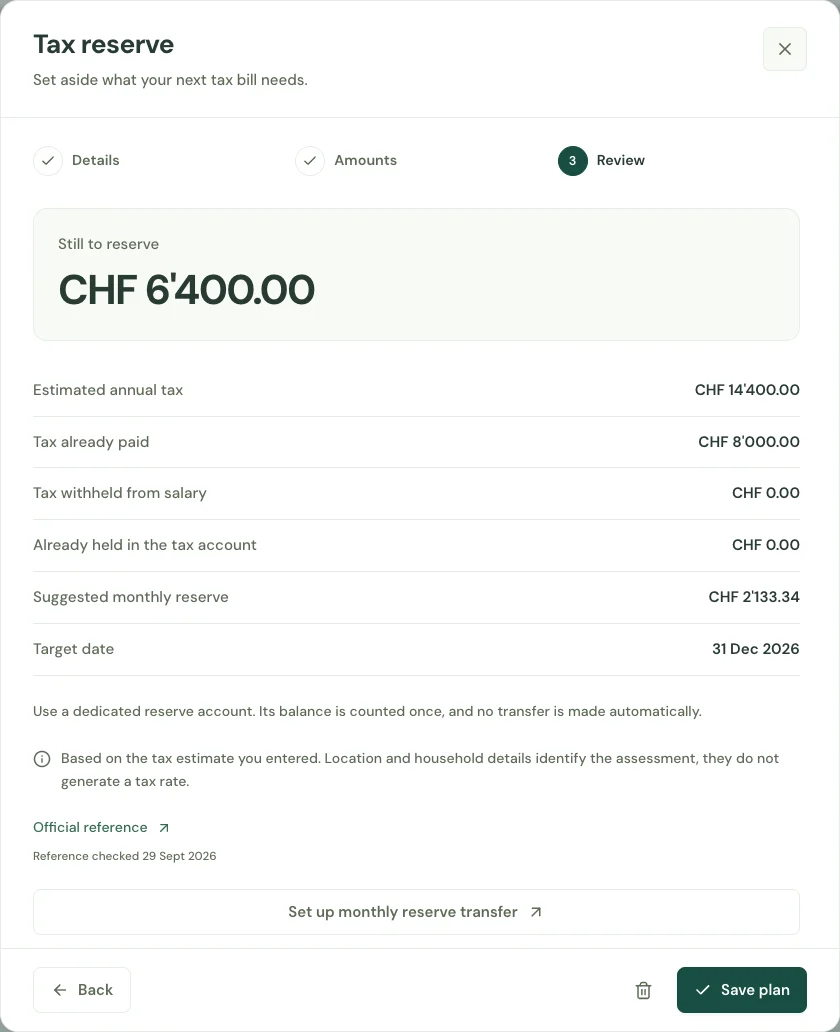
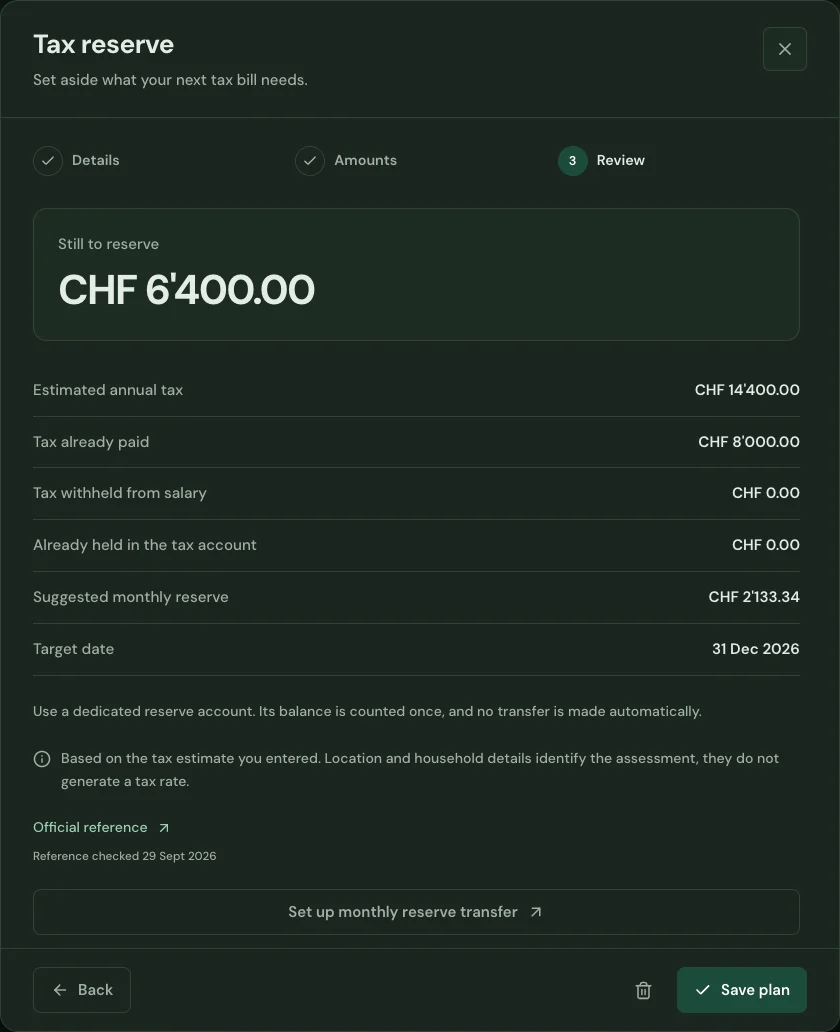
Enter your estimated annual tax, amounts already paid and the date you want the money ready. Keep the estimate and the account reserved for taxes together.
See the amount still missing and the suggested monthly reserve. An existing tax-account balance is counted once, so the same money is not reserved twice.
Save the plan and revisit it when your assessment, income estimate or payments change. Use the account overview to keep the reserve in sight.
Start with your first account.
See the features with real app screens. Then create your household and add accounts, income and expenses.