In your dashboard · Recurring
Annual bills
Prepare for insurance, subscriptions and other yearly costs, with a calendar and monthly reserves.
What to expect
A saved plan helps you prepare; it does not arrange payment with the biller.
How it works
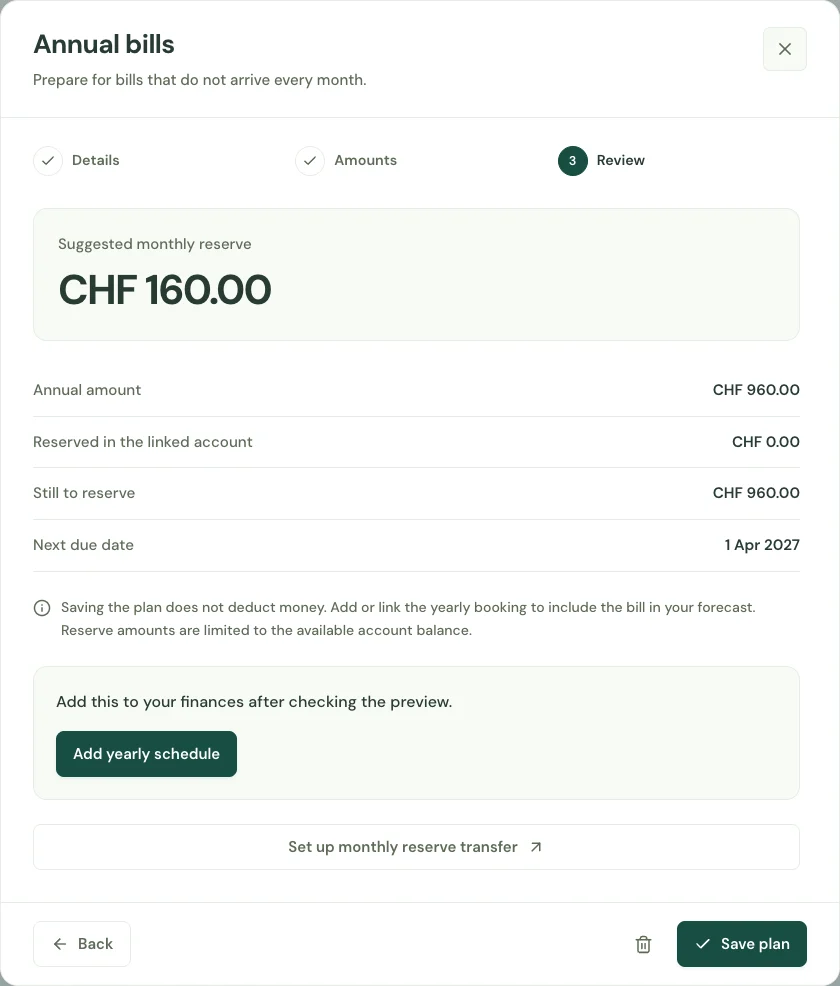
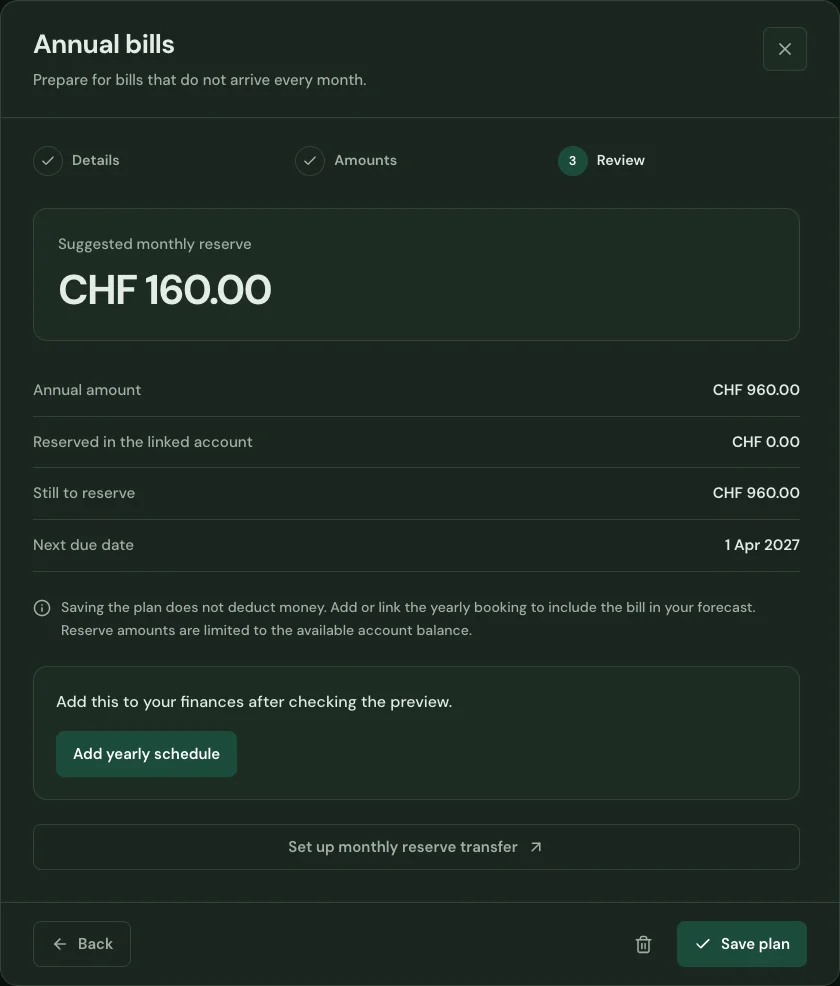
Enter a yearly bill, its due date and money already reserved. Choose the account and category it belongs to.
See the remaining amount and monthly reserve needed before the bill arrives. The yearly calendar brings irregular costs into view.
Review the result, then add a yearly schedule when appropriate. Already linked schedules remain connected to the plan.
Start with your first account.
See the features with real app screens. Then create your household and add accounts, income and expenses.