In your dashboard · Investments
Pillar 3a
Keep contributions from different providers together and see your remaining allowance.
What to expect
This is a contribution overview using your entries. It does not open a pension account or make an investment.
How it works
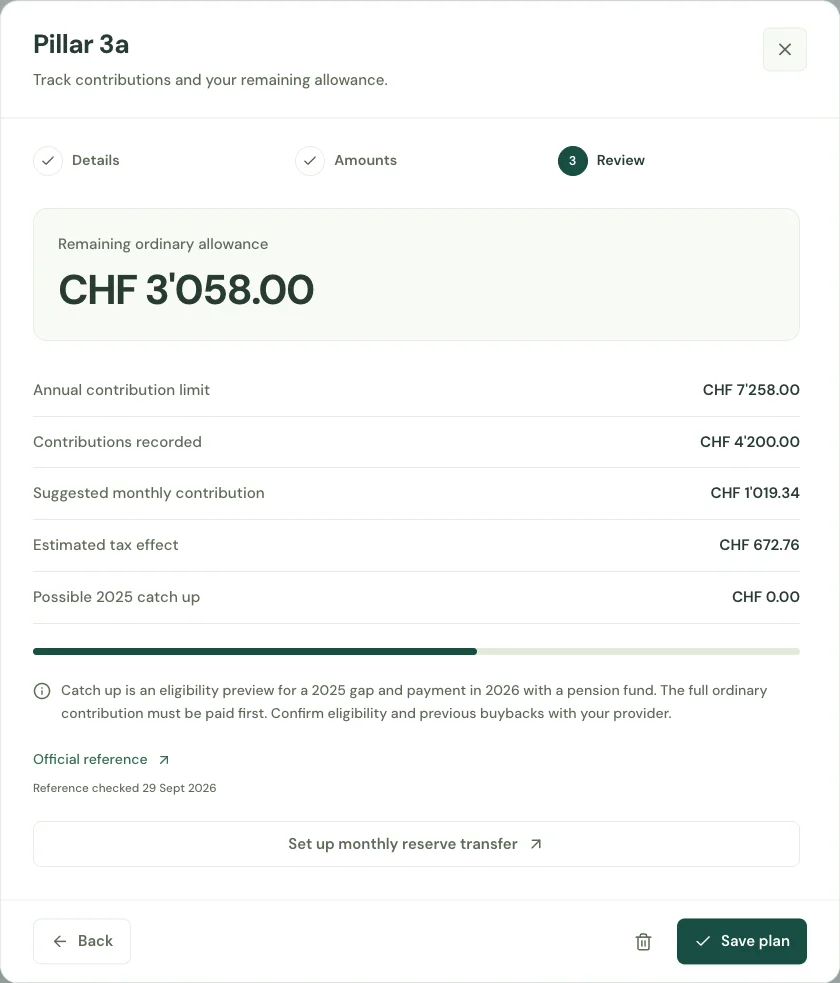
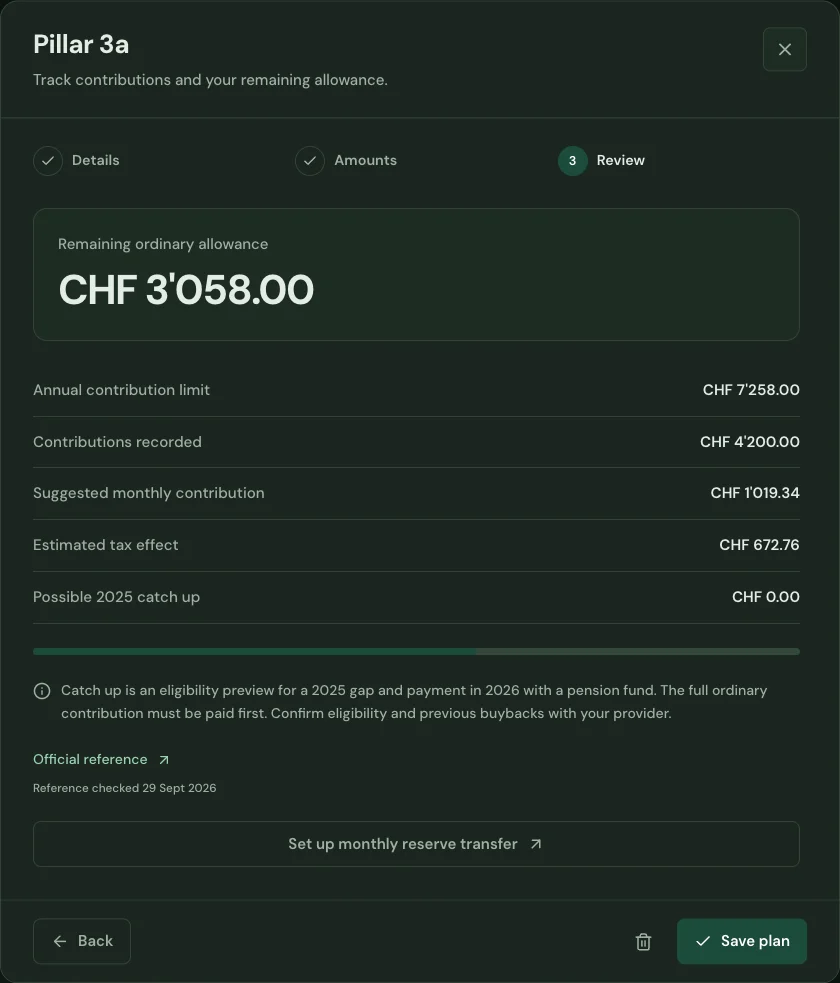
Bring contributions from different 3a providers together in one plan. Enter the contribution year and whether you belong to a pension fund.
Review your total contributions and remaining allowance. Optional assumptions let you explore an estimated tax effect alongside your contributions.
Update the provider amounts when you contribute again. Keep your pension planning beside your investment accounts and the rest of your household budget.
Start with your first account.
See the features with real app screens. Then create your household and add accounts, income and expenses.