In your dashboard · Taxes
Tax preparation
Gather your annual figures, review relevant expenses and export a preparation checklist.
What to expect
This organises your preparation. It does not submit a tax return or decide whether an expense is deductible.
How it works
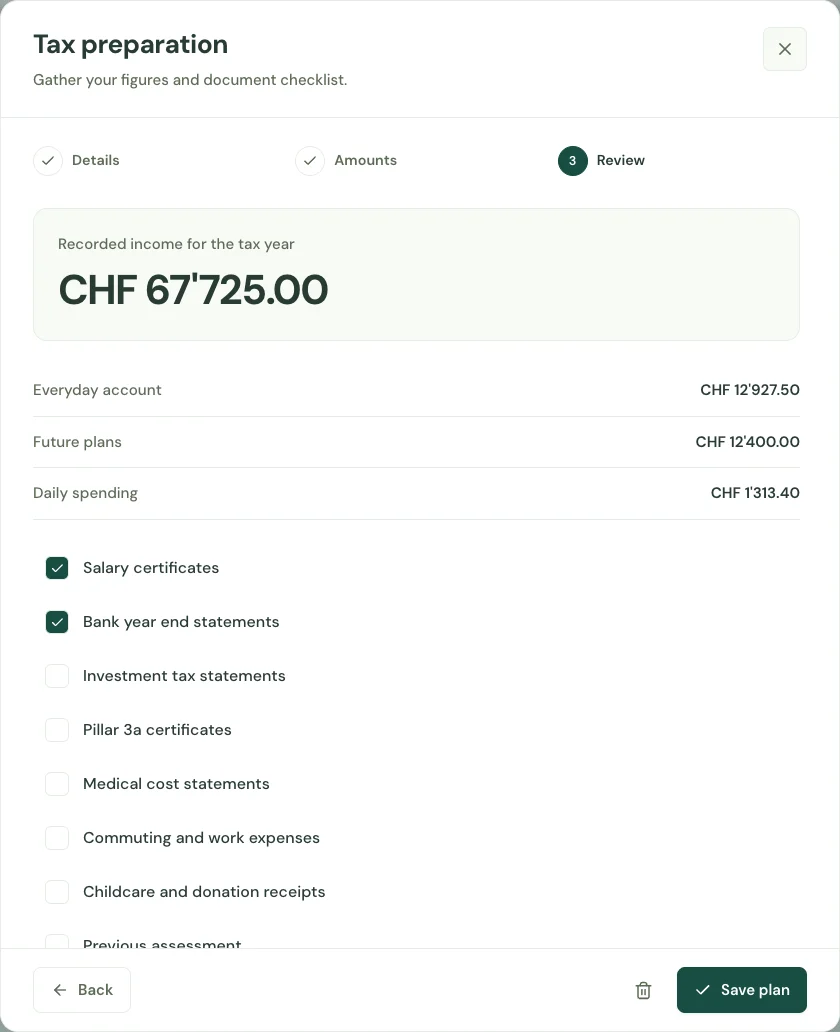
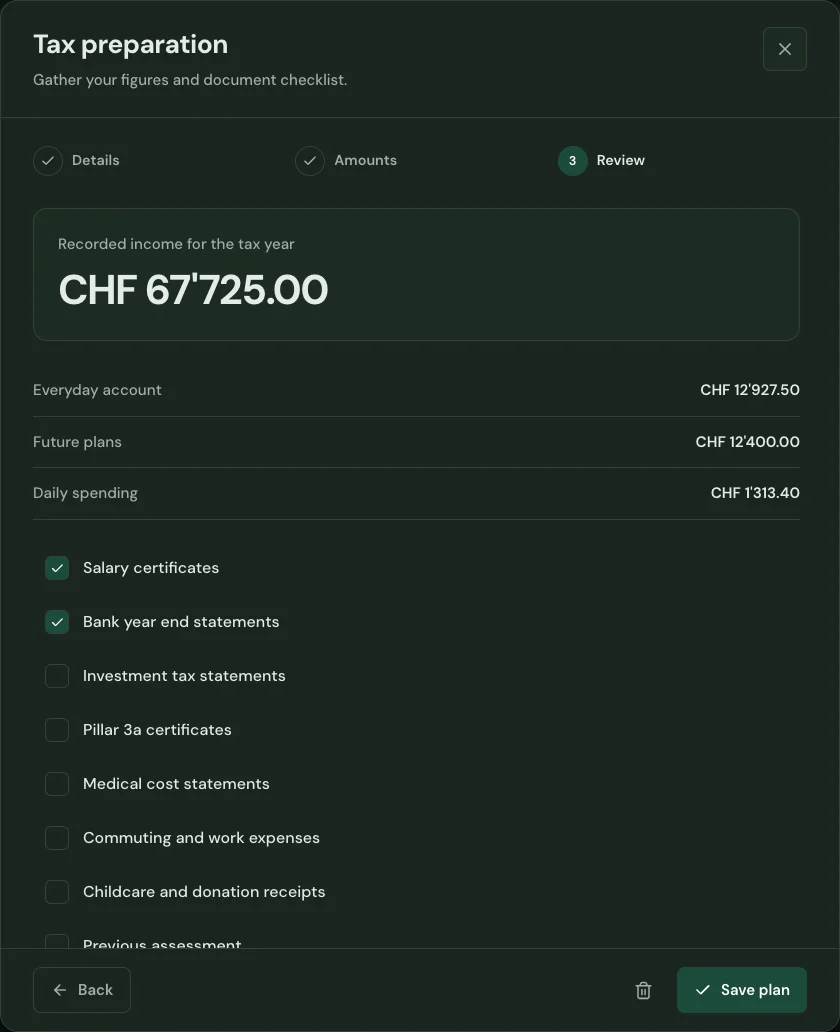
Choose the tax year and canton. Bring together the income and expenses already recorded in your household.
Work through the document checklist and flag transactions worth reviewing. Keep track of what is ready and what still needs a certificate or statement.
Export your preparation summary and use it alongside the documents needed for your tax return. Your original financial entries stay in the app.
Start with your first account.
See the features with real app screens. Then create your household and add accounts, income and expenses.