In your dashboard · Transactions
Swiss QR bills
Read a payment slip from a photo or PDF. Check the details, then add the booking to your chosen account.
What to expect
Adding a booking does not pay the bill. You still make the bank payment yourself.
How it works
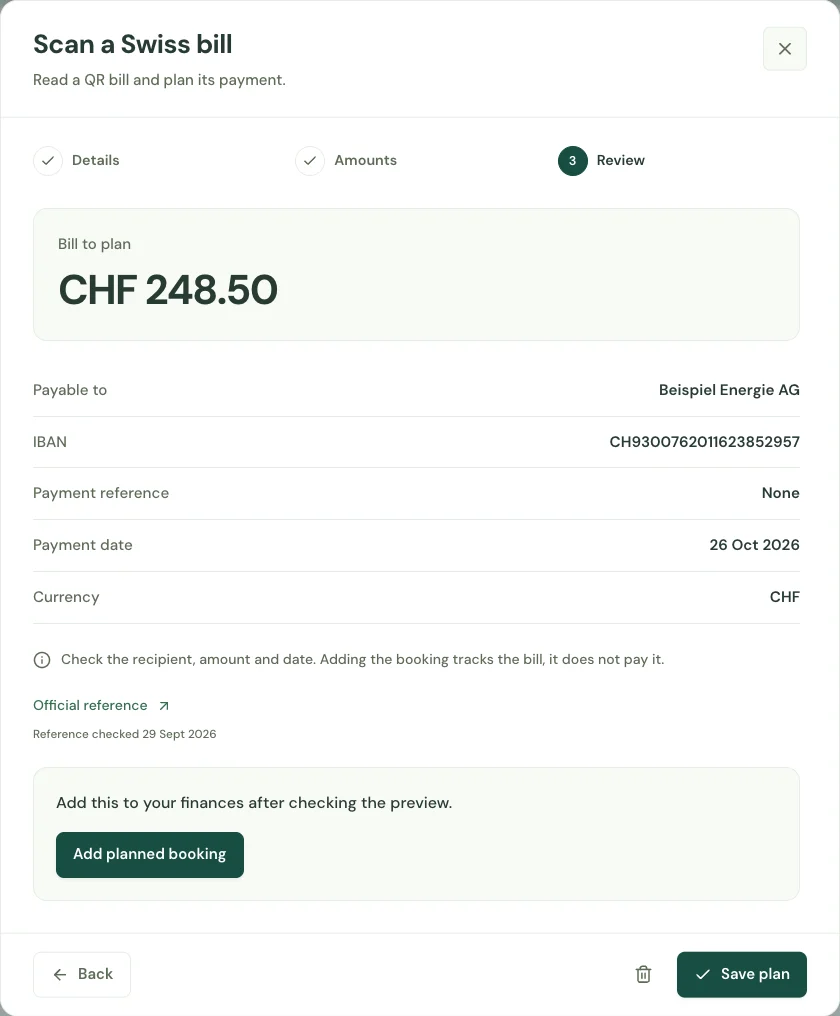
Upload a photo or PDF containing a Swiss QR payment slip. Read the extracted payee, account reference and amount before proceeding.
Choose the account and category, and check the payment date. The preview keeps the bill details visible before you add a planned booking.
Confirm the booking when it matches the bill. It appears with your transactions so you can include it in your cash-flow planning.
Start with your first account.
See the features with real app screens. Then create your household and add accounts, income and expenses.