In your dashboard · Transactions
Shared expenses and TWINT
Track who owes what and record repayments, including TWINT, against the original expense.
What to expect
TWINT repayments are tracked manually. The app does not connect to TWINT or request money from another person.
How it works
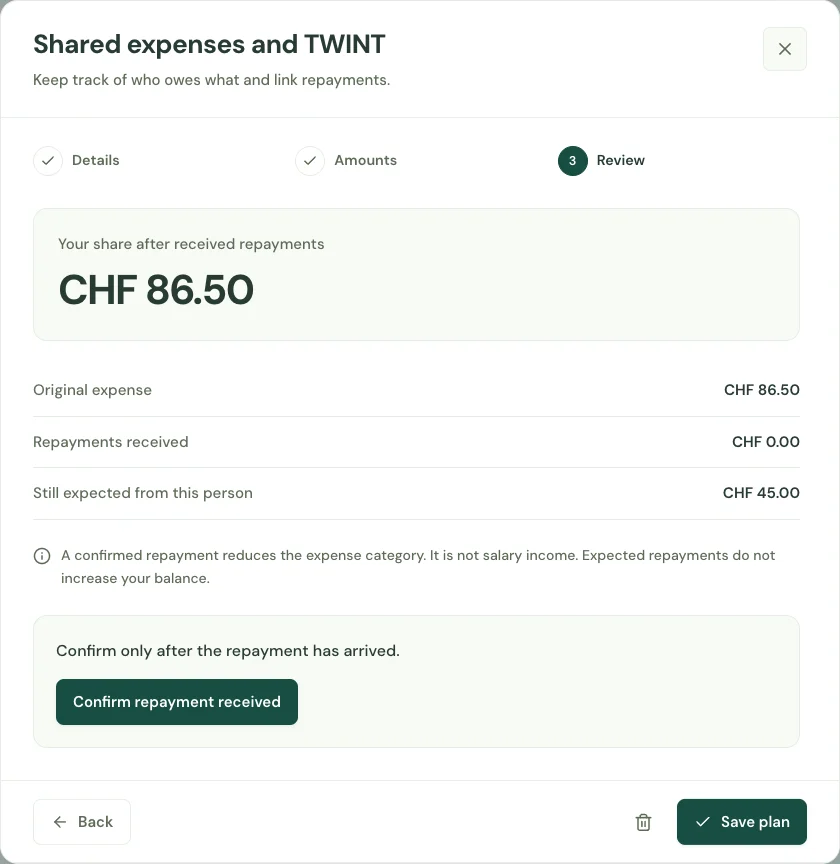
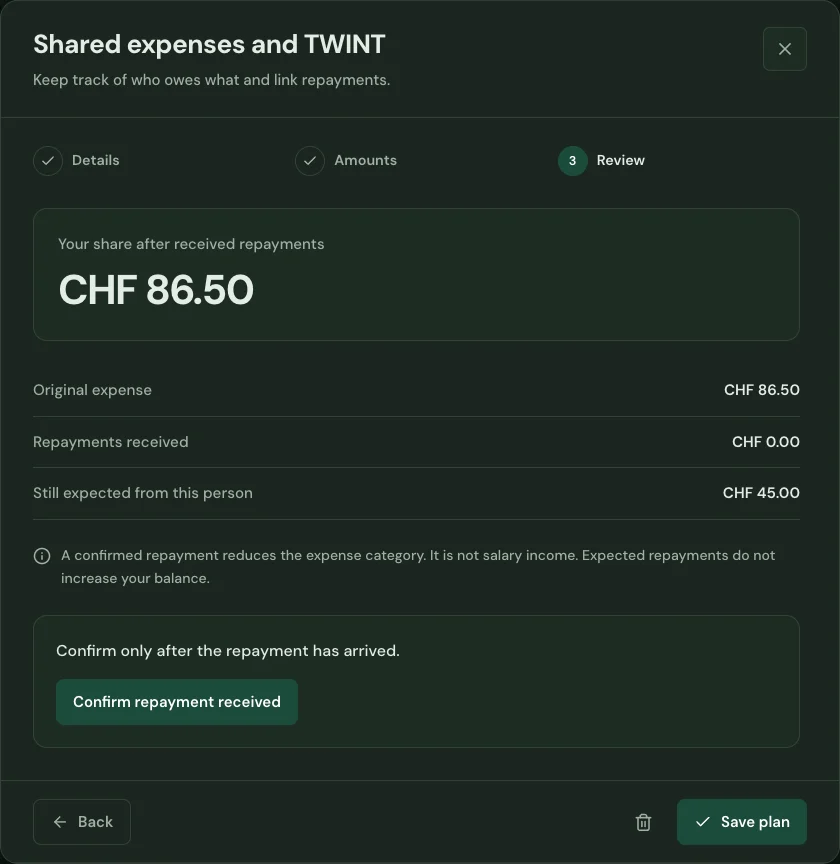
Select an expense you already paid and enter the amount someone should repay. Keep the repayment linked to the original expense.
Choose the destination account and expected date. Review the amount before recording that the money has arrived.
Confirm a received repayment or link an existing incoming transaction. Keep shared expenses understandable without recording the same income twice.
Start with your first account.
See the features with real app screens. Then create your household and add accounts, income and expenses.