In your dashboard · Projections
Life changes
See how working fewer hours, parental leave or a large purchase could affect your account balances.
What to expect
Scenarios use your recorded accounts and planned payments. A saved scenario does not alter those underlying bookings.
How it works
Choose a change such as reduced working hours, parental leave or a major purchase. Set its starting date and how far ahead to look.
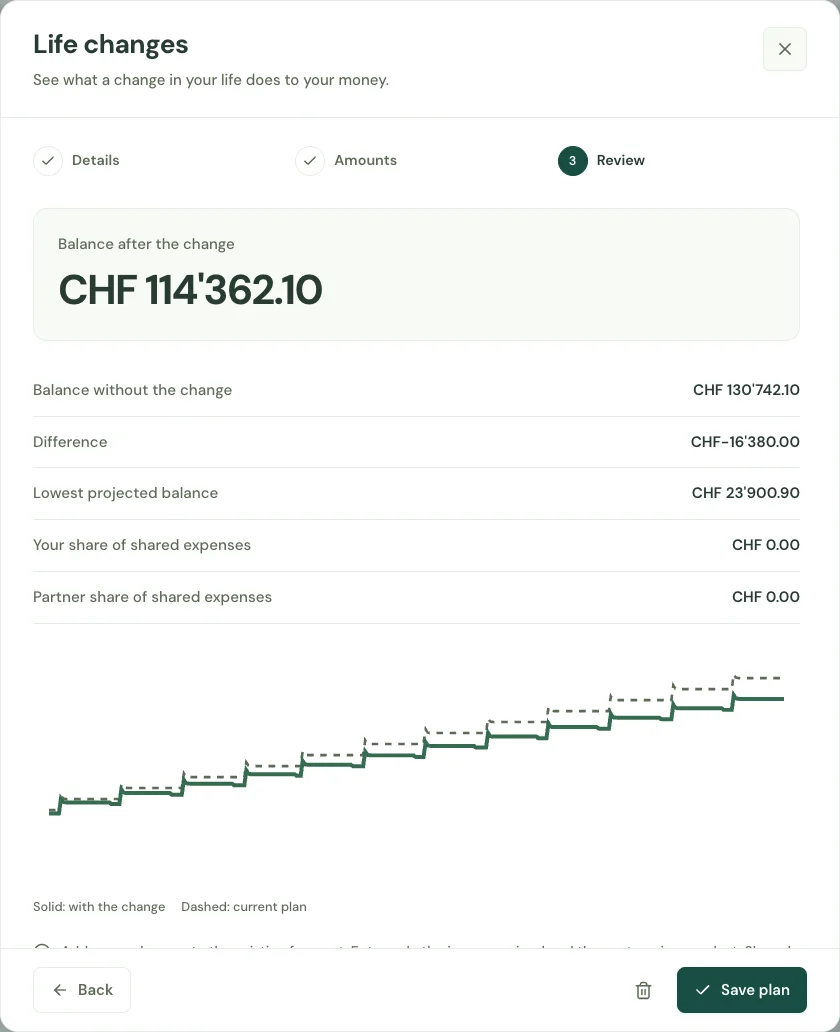
Enter lost income, additional monthly costs and one-off expenses. Keep a minimum balance in the scenario to make a possible shortfall visible.
Compare projected balances with and without the change. Save the scenario and adjust it as your plans become more concrete.
Start with your first account.
See the features with real app screens. Then create your household and add accounts, income and expenses.